support@zurihr.com
+254 757 012345
Process Casual Payroll
Log in to your ZuriHR account.
Navigate to the left menu and click on:
Payment Processing > Casual Employee
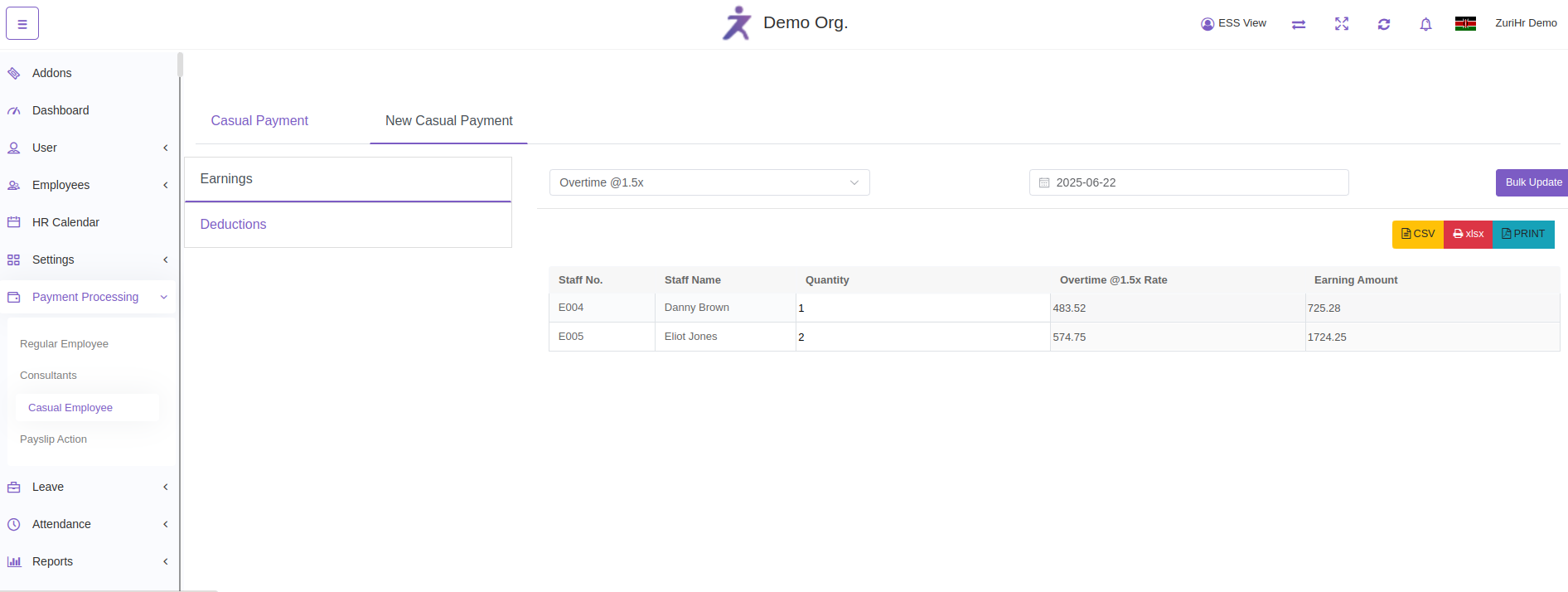
Go to New Casual Payment to start processing a new entry.
Select the Earnings tab:
Choose the applicable earning type.
Enter the amount/value.
Click Update to save.
Switch to the Deductions tab:
Add relevant deductions (e.g. Absent Hours, Advance Pay).
Click Update to apply.
Go to Casual Payment tab:
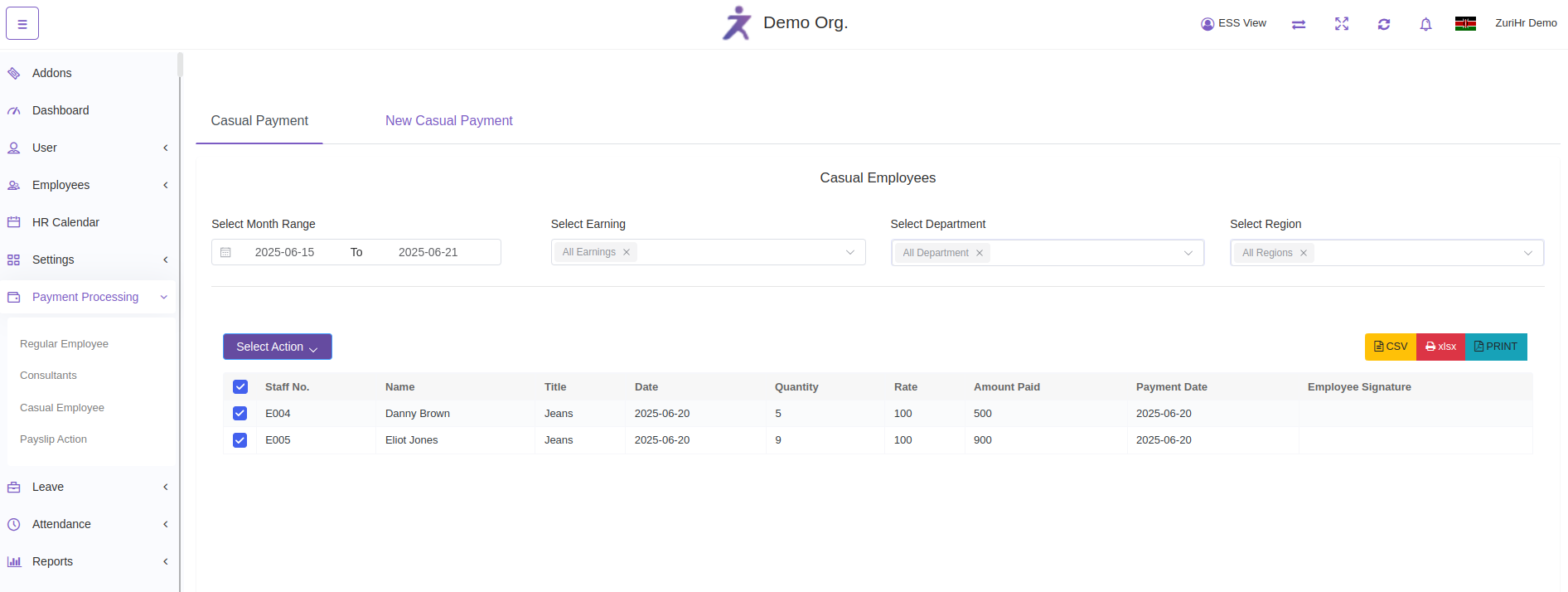
You will see a list of casual employees along with their calculated payments.
Select employees by ticking the checkboxes beside their names.
Select action by clicking one of the following options:
Mark as Paid – for finalized and settled payments.
Mark as Unpaid – if the payment is pending.
Post to Payroll – to move the casual payment into the formal payroll process.