support@zurihr.com
+254 757 012345
How to Process Consultant Voucher in ZuriHR
Log in to your ZuriHR account.
Navigate to Payment Processing > Consultants.
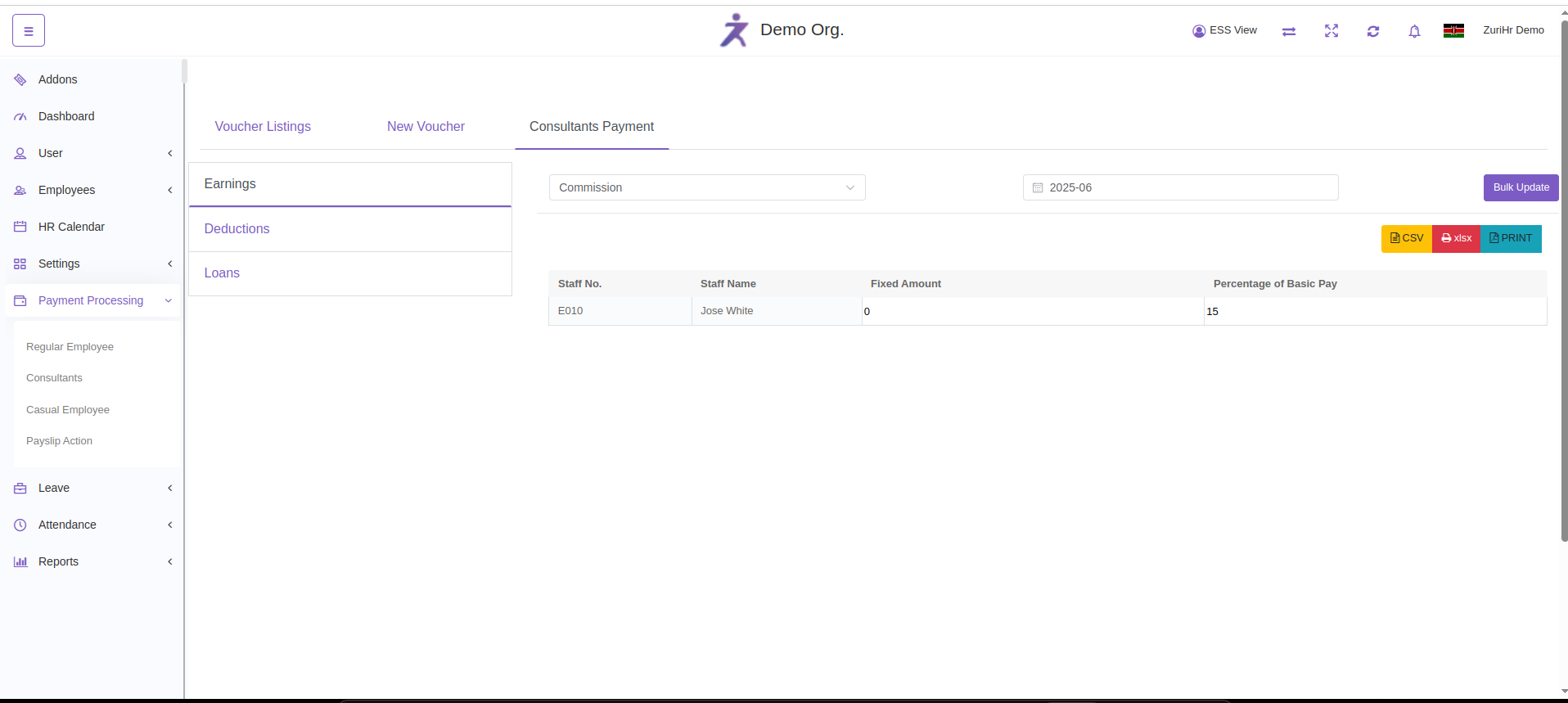
Go to Consultants Payment to begin.
Click the Earnings tab:
Select the applicable earning type.
Enter the amount/value.
Click Update to save.
Click the Deductions tab:
Add any necessary deductions (e.g. Absent Hours).
Click Update to save.
Click the Loans tab:
Add any outstanding consultant loans if applicable.
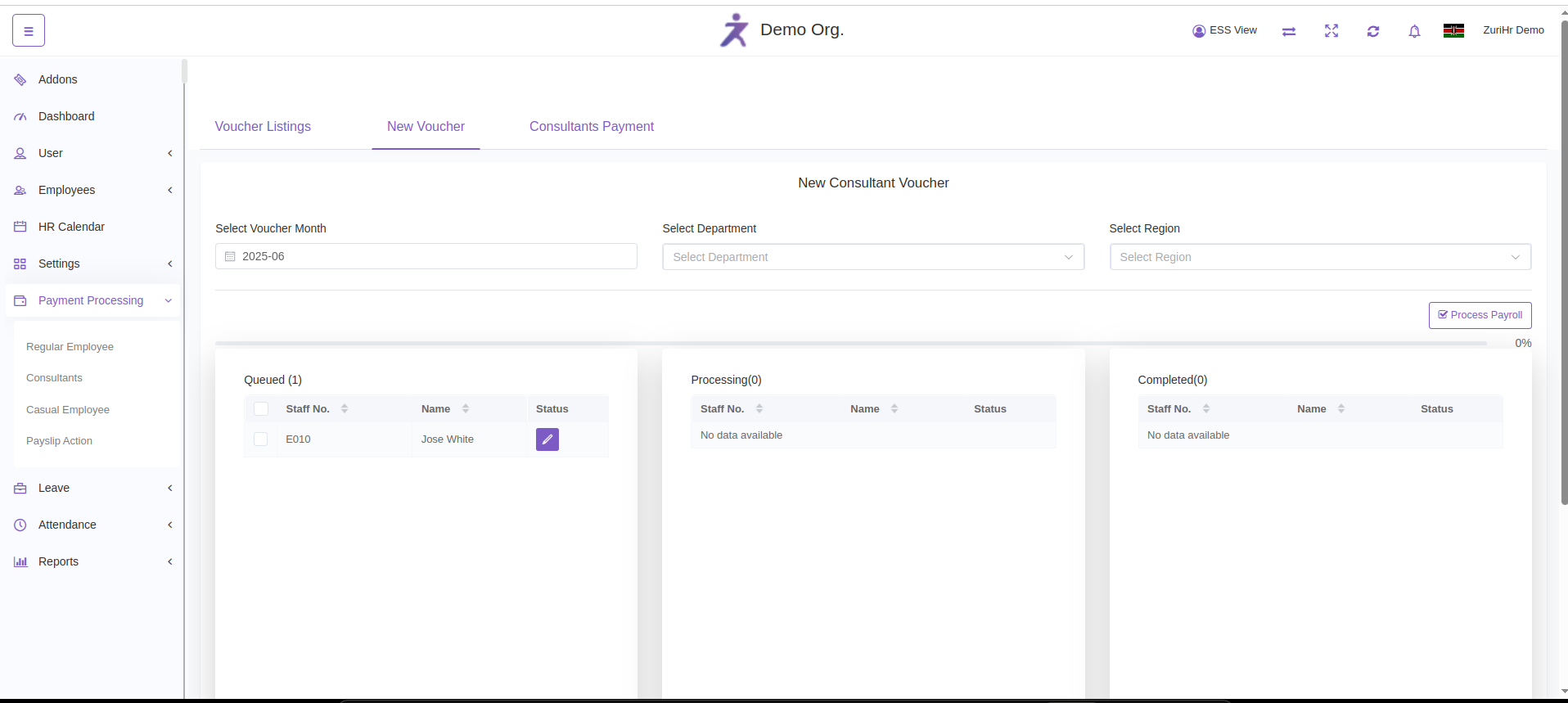
Go to New Voucher:
Select the consultants you want to process.
Click Process Payroll to generate payment vouchers.
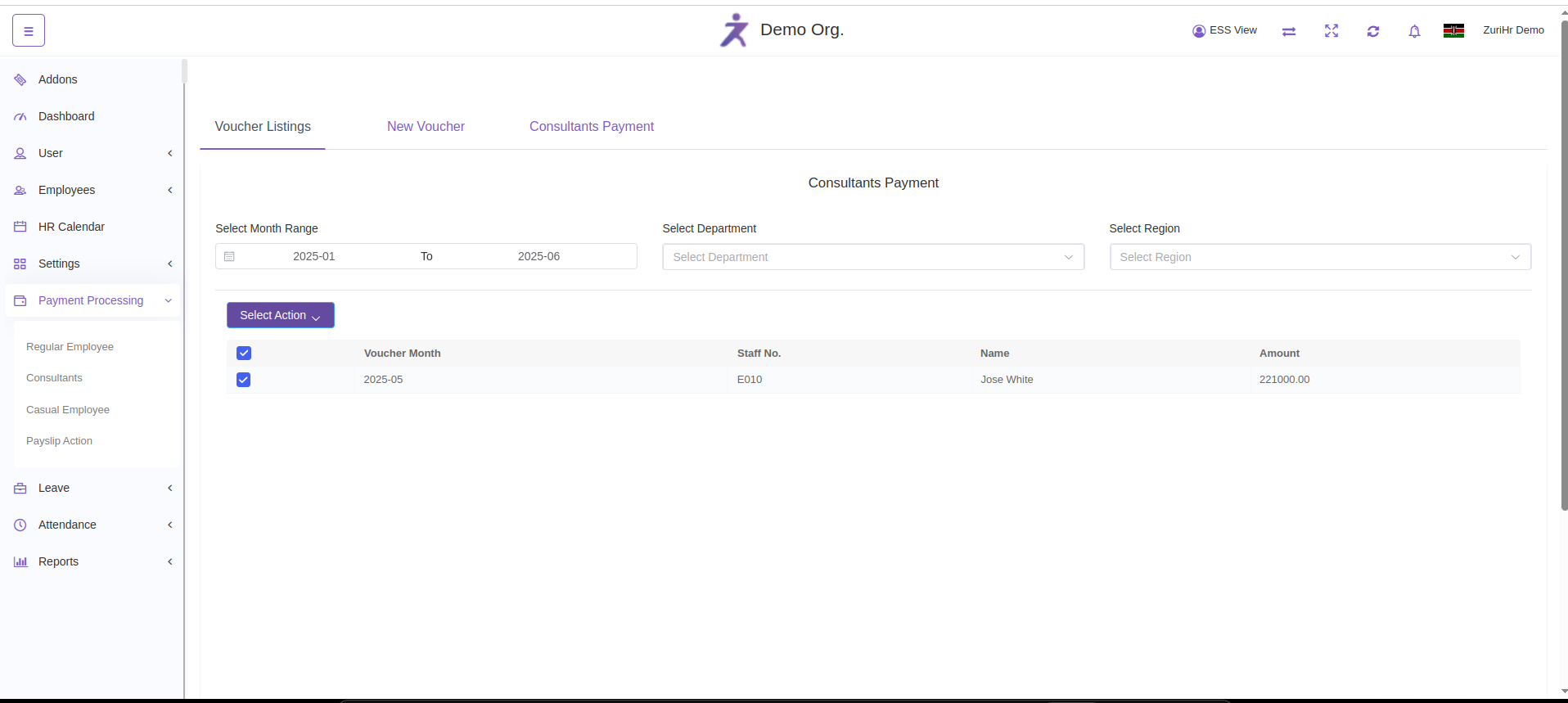
Navigate to Voucher Listings:
View the list of all processed consultant vouchers.
Use filters to sort by date, department, or region.
Click on any record to:
View the detailed payment slip.
Print the slip if needed.
To delete vouchers:
Use the checkbox to select one or multiple vouchers.
Select action Bulk Delete to remove selected records.