support@zurihr.com
+254 757 012345
You can add employees in two ways:
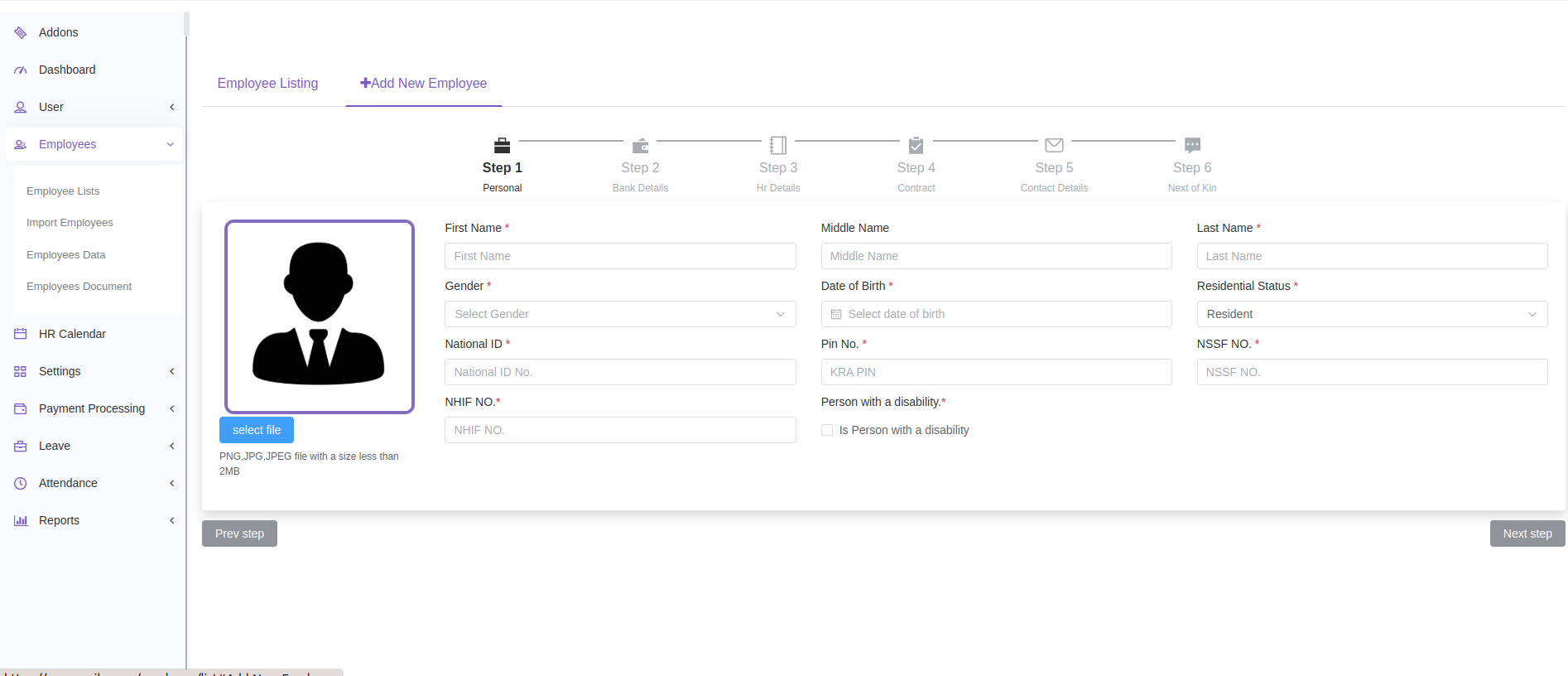
Go to Employees > Employee List.
Click the Add New Employee tab.
Fill in all six sections:
Personal Details
Bank Information
HR Details
Contract Info
Contact Details
Next of Kin
Submit the form to save the employee.
Tip: To edit an employee later, click the record in the Employee list to open and update their record.
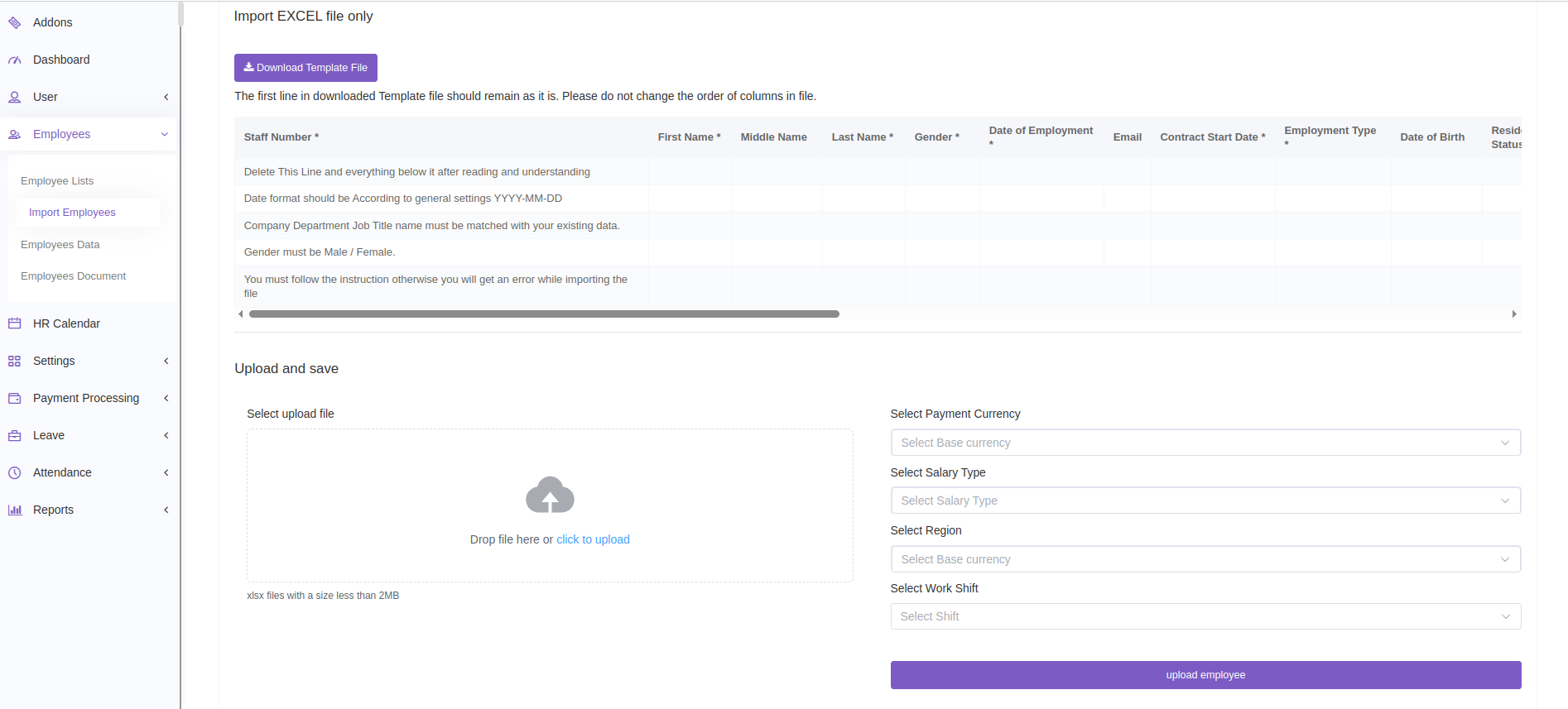
Go to Employees > Import Employees.
Download the TemplateFile.xlsx and follow the instructions inside.
Fill in the employee data as required.
Return to the system and upload the completed file.
Select the appropriate Currency, Salary Type, Region, and Work Shift.
Click Upload to import the employees.